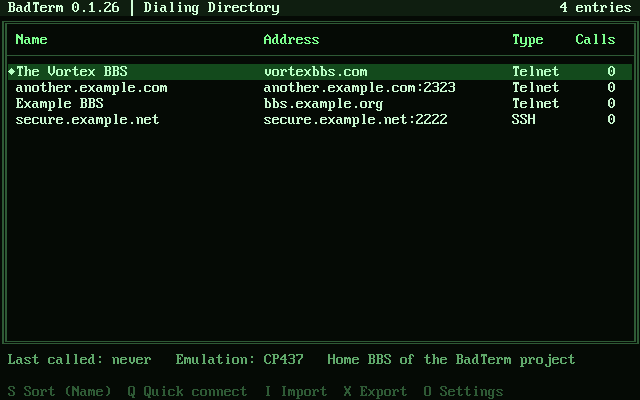
Green rain
by Bad ClusterEvery shade of green, like code falling down a screen.
green-rain.toml 1.2 KBDownload

Extras
More colors for BadTerm's screens and more monitors to put them in. Download one, bring it in, and it's in the list in Settings. Made one you like? Share it.
01 Color themes
To use one: download it, then in BadTerm open Settings (Alt-O), Colors, "Import a theme", and give it the file.
Every shade of green, like code falling down a screen.
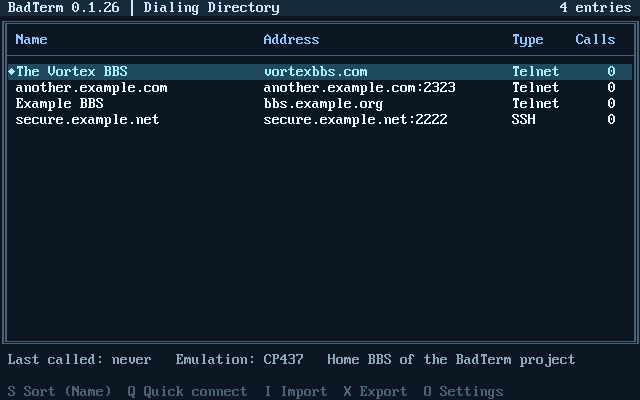
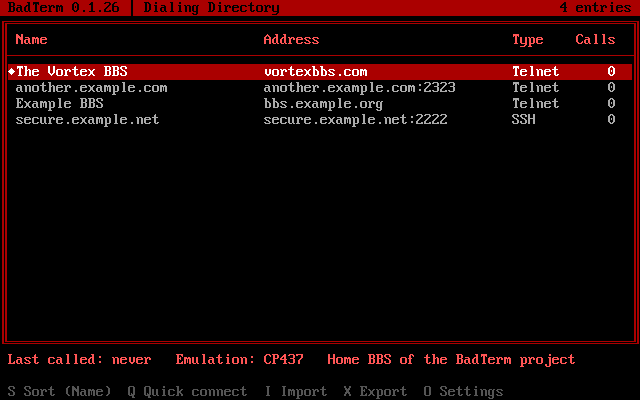
Red on black, easy on the eyes in the dark. VGA colors only.
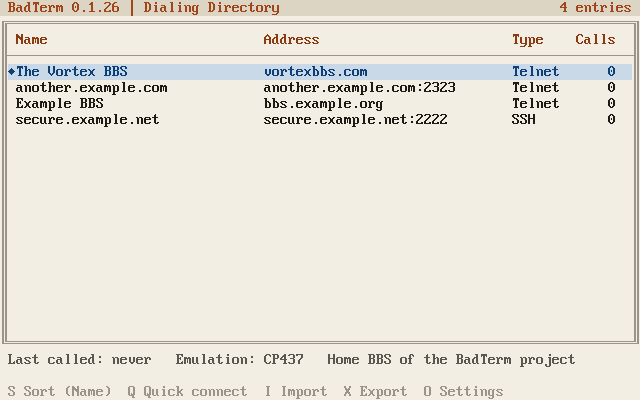
A light theme: dark ink on warm paper, for bright rooms.
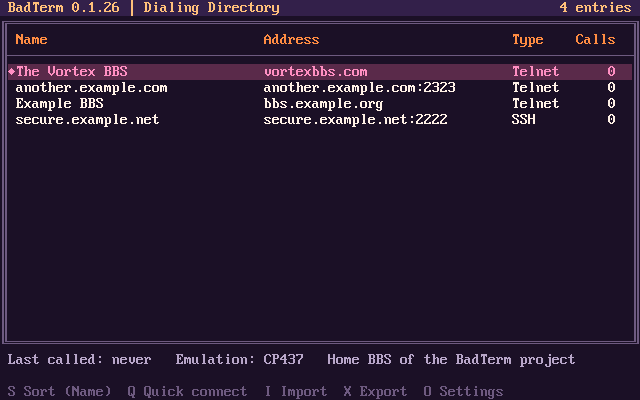
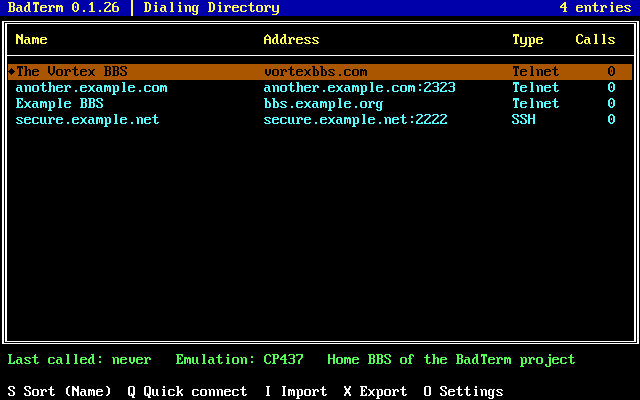
Bold primary colors on black, as on a broadcast text page. VGA colors only.
02 Monitor bezels
To use one: download it into BadTerm's bezels folder (badterm --paths shows where), then choose it in Settings, Display, "Monitor bezel".
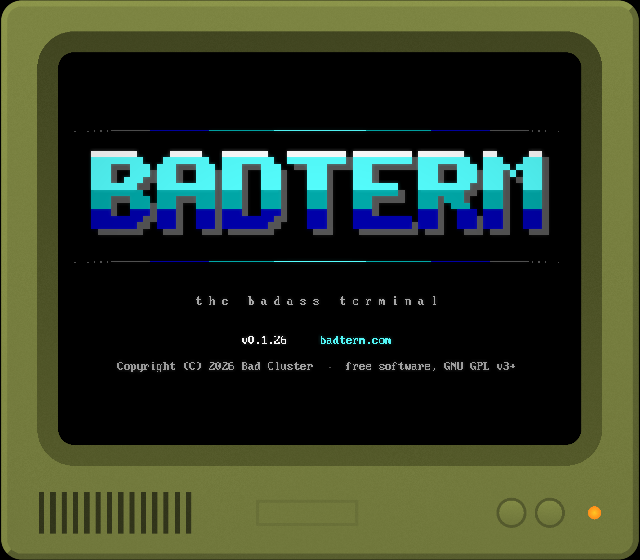
Olive-green plastic with knobs and a vented chin, from the decade of shag carpet.
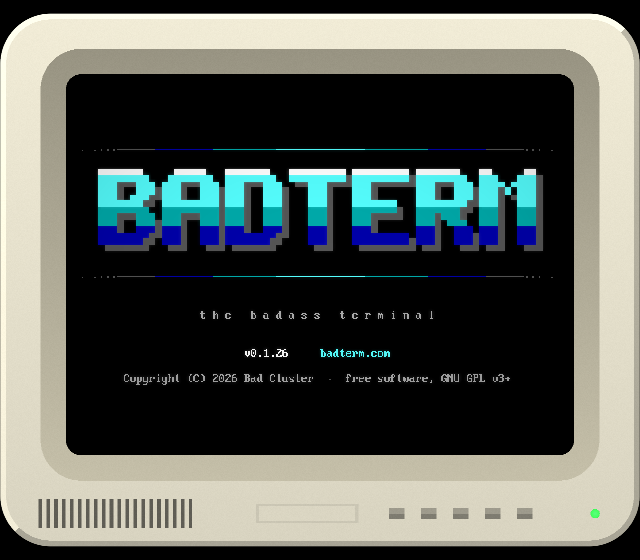
A chunky off-white terminal with a deep-set screen.
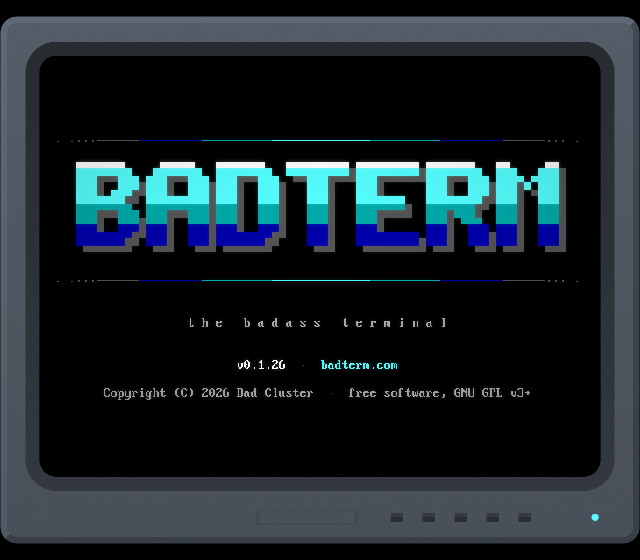
A slim blue-gray monitor from the end of the CRT era.
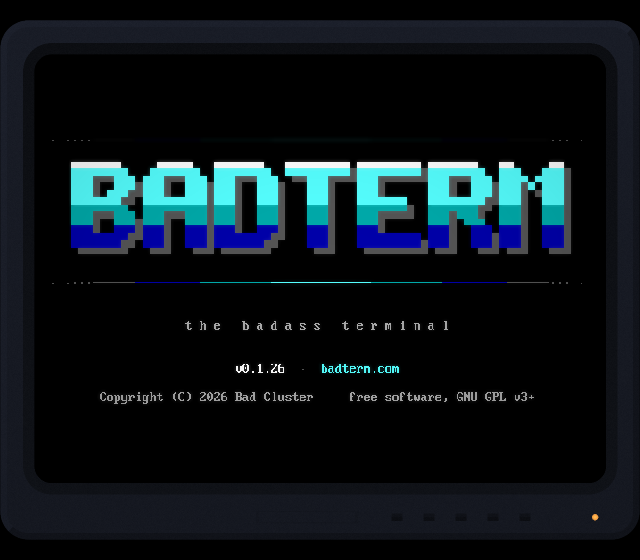
Navy and glossy, with a copper power light: made to go with the Bad Cluster colors.


